Introduction: The Emerging Need for llms.txt in the AI-Driven Web
How AI Has Changed Content Discovery
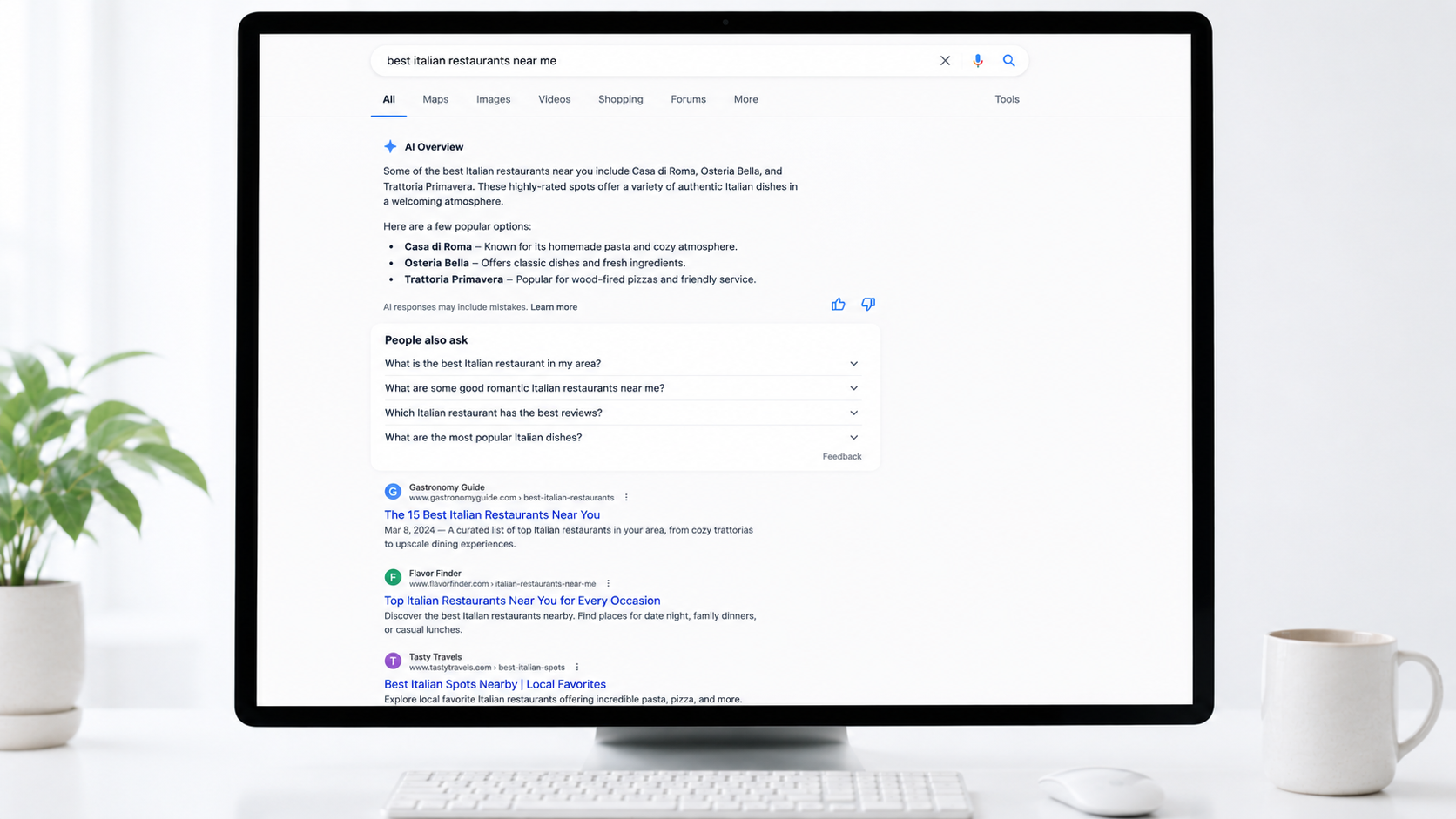
The way people find information has shifted. Instead of browsing documentation sidebars or scrolling through search results, users now ask AI assistants like ChatGPT, Claude, and Perplexity for direct answers. This shift means documentation serves three audiences: people, search engines, and AI assistants. Each requires a different approach to content delivery.
Traditional SEO focused on helping search engines index and rank pages. But AI crawlers face different challenges. Modern websites are built with complex HTML and JavaScript that make content difficult for large language models to parse. More importantly, LLMs operate with limited context windows—they can’t process entire websites the way a search engine bot can. They need concise, structured information that fits within their processing constraints.
What llms.txt Solves
llms.txt is an emerging convention that provides AI crawlers with a curated roadmap to your most important content, rather than forcing them to navigate your entire site structure. The file acts as a lightweight guide, pointing models toward canonical documentation, structured exports, and other high-signal sources optimized for AI ingestion.
The format is intentionally simple: a Markdown file placed at `/llms.txt` that offers brief context and links to detailed, machine-friendly content. This approach reduces the computational cost of processing your site while ensuring AI tools cite current, authoritative pages instead of outdated or duplicate content.
For B2B companies, this matters because AI-driven discovery is fundamentally different from search. When an LLM references your product or documentation in a response, it’s not just ranking you—it’s representing your expertise directly to users. llms.txt helps you control that representation by directing how AI crawlers access and index your content, complementing traditional SEO efforts with AI-specific optimization.
The standard coexists with existing protocols like robots.txt and sitemaps, but serves a distinct purpose: guiding inference rather than just indexing. It’s a low-risk, proactive strategy for maintaining visibility as AI becomes the primary interface for information discovery.
What is llms.txt? Definition and Core Concepts
The Basic Concept
llms.txt is an emerging convention for telling AI crawlers which parts of your site are best suited for LLM ingestion. Think of it as a curated index: a simple Markdown file placed at `yourdomain.com/llms.txt` that directs AI systems—ChatGPT, Perplexity, Claude, and others—toward your most important, canonical content while skipping clutter, duplicates, and outdated pages.
Proposed by Jeremy Howard from Answer.AI in September 2024, the file is deliberately lightweight. It typically includes an H1 site name, a short blockquote description, and key pages organized under H2 headers with links and brief explanations. The goal is to make it obvious which pages matter, which versions are current, and which formats are easiest to ingest.
What llms.txt Is Not
llms.txt is not an access-control file and does not replace robots.txt or sitemaps. Those tools manage crawling and indexing for search engines; llms.txt curates content specifically for LLM inference—the moment an AI assistant answers a user’s question. It coexists with current web standards but serves a different purpose: improving answer quality by pointing models toward structured content formats for AI search like Markdown exports, API docs, and canonical references.
Some implementations offer clean Markdown versions of pages by appending `.md` to URLs (e.g., `page.html.md`). This gives AI systems pure text without HTML parsing issues. Some sites also use `llms-full.txt`, a comprehensive version with all documentation in one file, to give AI everything upfront instead of requiring link-following. The format is still evolving, but the principle is consistent: reduce ingestion of stale or duplicate content, highlight machine-friendly formats, and direct AI crawlers toward high-signal sources.
Critical Reality Check: No Official Platform Support
No major LLM provider currently officially supports or crawls llms.txt files. OpenAI, Anthropic, Google, and Meta have not committed to parsing this standard. Google’s John Mueller confirmed that none of the AI services are using llms.txt. Anthropic publishes its own llms.txt file but doesn’t state that Claude’s crawlers use the standard. OpenAI’s GPTBot honors robots.txt but has no official llms.txt support. This is the central reality that should frame your implementation decision: llms.txt is an emerging convention without guaranteed platform adoption.
llms.txt vs. robots.txt vs. Sitemaps: Understanding the Differences
Each of these files serves a distinct function in how your site communicates with bots and AI systems.
robots.txt | Controls access; tells crawlers which pages they can or cannot visit | Plain text directives (`User-agent`, `Allow`, `Disallow`) | 1994
sitemap.xml | Aids discovery; lists URLs so search engines know which pages exist | XML | 2005
llms.txt | Proposes understanding; describes what pages are about and provides business context for AI systems | Markdown | 2024
robots.txt is a request, not a security measure—malicious bots can ignore it. Use it to block admin pages, prevent duplicate content indexing, and reduce server load.
sitemap.xml helps Google find new pages, index large sites efficiently, and track updates. But it doesn’t explain what those pages contain.
llms.txt may potentially help AI systems like ChatGPT and Perplexity improve how they cite your content, though proven benefits remain experimental. This is a potential advantage for visibility in AI-powered search and generative engine optimization (GEO).
How They Work Together
These files are complementary, not competing. robots.txt checks permissions first. sitemap.xml discovers URLs. llms.txt helps AI understand the content and context of those URLs. Without all three, you’re leaving gaps in how search engines and AI systems interpret your site.
For a complete setup, consider reviewing your technical SEO checklist to ensure these files align with your broader strategy.
Anatomy of an llms.txt File: Format and Example
Core Structure Requirements
An llms.txt file follows a precise Markdown format that balances human readability with machine parsability. The file lives at your domain root—`yoursite.com/llms.txt`—or optionally in a relevant subpath like `/docs/llms.txt`.
Only one element is mandatory: an H1 heading containing your site or project name. Everything else is optional but recommended. After the H1, you can add a blockquote with a one-sentence summary, followed by paragraphs or lists providing context about your site structure or how to interpret the content. No additional headings appear until you reach the H2 sections.
Organizing Content with H2 Sections
Below your introductory material, use H2 headers to create thematic “file lists”—each section groups related URLs. Every link follows a standard format: a Markdown hyperlink `Link Title`, optionally followed by a colon and a brief description of what that page covers. These descriptions help AI systems match queries to relevant content.
The “Optional” section carries special meaning. URLs placed under an `## Optional` heading signal lower-priority resources that AI systems can skip when working with shorter context windows. Use this for secondary content like blog archives or supplementary materials.
Practical Example
# Scopic Studios
> Custom software development for enterprise clients and startups.

We build web and mobile applications, with expertise in AI integration and scalable architecture.

## Services
- Custom Software Development: End-to-end application builds
- AI Integration: LLM implementation and automation

## Case Studies
- Healthcare Platform: HIPAA-compliant telemedicine solution
- Fintech Dashboard: Real-time analytics for trading firms

## Optional
- Blog: Industry insights and technical articles
Keep your file under 3,000 words and curate 10–20 of your most important pages rather than listing everything. Validate the format using tools like llmstxtvalidator.dev before publishing.
Current Evidence: Does llms.txt Actually Impact AI Citations?
Where llms.txt Actually Works
Real adoption is happening at the tooling and documentation platform level, not with LLM providers themselves. Mintlify added llms.txt support to their platform, automatically generating both `/llms.txt` and `/llms-full.txt` files for thousands of developer tools including Anthropic and Cursor. This made their documentation LLM-friendly without manual intervention.
Current usage requires manual input. Users must explicitly provide llms.txt file content to ChatGPT or Claude—the systems don’t automatically discover or index these files. Cursor is the exception: it allows developers to add and index third-party documentation by linking directly to `/llms-full.txt` files.
A community-maintained index at directory.llmstxt.cloud tracks public llms.txt implementations from companies like Mintlify, Tinybird, Cloudflare, and Anthropic. But this is a directory, not proof of platform support. The infrastructure exists; the automated consumption by LLM platforms does not.
One Limited Case Study with Provisional Results
When an llms.txt file was submitted directly to Google Search Console alongside existing schema.org structured data via JSON-LD, it appeared as the top-cited source in Google AI Mode within 24 hours and maintained consistent citations across different queries for 18 days. Six confirmed AI crawlers accessed the file during a four-day window.
The key difference: this implementation combined llms.txt with existing structured data infrastructure, not as a standalone solution. This single case study suggests llms.txt may function as a generative engine optimization signal when layered onto existing structured data, but results have not been broadly validated across different sites, industries, or query types. More research is needed before drawing general conclusions.
Implementation Guide: How to Create Your llms.txt File
Structure and Prerequisites
Before you begin, ensure you have access to your website’s root directory and an inventory of your most important content. The llms.txt file uses Markdown formatting—lightweight and token-efficient for LLMs to parse.
The file follows a strict hierarchy. Start with an H1 header (`#`) containing your company or project name—this is the only strictly required element. Follow with a blockquote (`>`) offering a one-sentence business summary under 50 words. Add plain-text context paragraphs if needed, then organize content under H2 categories (`##`) like Products or Documentation. Within each category, use bulleted Markdown links formatted as `- Name: Description`.
Step-by-Step Creation
Create a new text file and begin with your title and description:
> Custom software development company specializing in enterprise web and mobile applications
## Products
– Web Development: Enterprise-grade web application development services
## Documentation
– Getting Started: Introduction to our development process
When selecting content, prioritize product pages, current blog posts, pricing information, and contact pages. Write factual, technical descriptions—eliminate marketing language. Link to clean data sources when possible, such as raw Markdown files rather than heavily formatted HTML pages.
Add an `## Optional` section for less critical content that AI systems may skip if context windows are limited.
Deployment and Validation
Upload your completed llms.txt file to your website’s root directory—the same location as your robots.txt or index.html file. Access typically requires developer assistance through cPanel File Manager or your CMS file settings. The file should be accessible at `yourdomain.com/llms.txt`.
Verify implementation by visiting the URL directly in your browser. Use a Markdown validator to check formatting, preview rendering, and validate all links. Optionally, configure your server to send an `X-Robots-Tag: llms-txt` HTTP header.
Consider creating an `llms-full.txt` variant containing your website’s complete written content concatenated into one Markdown file—useful for AI IDEs but more time-intensive to maintain. Keep your llms.txt file updated regularly as your content evolves.
When to Implement llms.txt: A Practical Decision Framework
When Implementation Makes Sense
llms.txt is not urgent, but it positions your site well as AI-driven search continues to grow. The decision to prioritize it depends on your content maturity and business model.
For B2B firms, a tailored llms.txt helps procurement and technical buyers find accurate vendor information through AI tools, leading to better qualified inbound interest. If you’ve invested in case studies, detailed service pages, or technical documentation, llms.txt directs AI tools to that high-value content rather than letting them summarize your business vaguely or cite a competitor instead.
E-commerce sites benefit when llms.txt points AI assistants to high-quality product feeds with live pricing and stock data, reducing mistakes that undermine conversion. Developer-focused sites with extensive documentation are natural adopters—the implementation cost is minimal, and early positioning may provide advantages as the standard evolves.
When to Deprioritize or Delay
llms.txt is not a ranking hack and does not guarantee visibility. No major AI provider officially supports it yet. It will not fix weak pages—if your service pages are thin, the file just points AI tools to thin content. It does not replace a well-structured site, good content, or foundational SEO work.
A stale llms.txt is worse than none, potentially directing AI tools to pages that no longer exist or reflect your current offering. If you cannot commit to quarterly reviews, delay implementation until you can maintain it properly.
Practical Considerations
Publishing a deliberate llms.txt provides guidance and signaling about how AI systems should engage with your site, potentially improving answer quality and reducing mistaken exposure of private content. Note that llms.txt is not an access-control mechanism and does not enforce restrictions; it works best alongside proper access controls and API design.
Make llms.txt review part of your release checklist so rapid product changes do not accidentally expose sensitive material. Track which agents request the file and which paths they access afterward.
Should You Implement llms.txt? Quick Verdict
Implement if:
– You have strong, up-to-date documentation and can maintain llms.txt as part of regular content reviews
– You want to proactively signal content structure to AI tools, regardless of current platform support
– You’re already investing in content strategy and structured data
Deprioritize if:
– You expect llms.txt to improve search rankings or citation frequency—evidence for this remains experimental
– You cannot commit to quarterly or more frequent updates
– Your documentation is thin or your site structure is unclear
Bottom line: llms.txt is useful infrastructure for content curation, not a competitive advantage tactic. Implement it as part of your content governance, not as a performance lever.
Conclusion: Recommendations for Navigating llms.txt
Treat llms.txt as a Low-Risk, Future-Focused Signal
llms.txt is not yet widely adopted or officially supported by major LLMs. Despite this, the file reflects a broader shift in how search is evolving—from link-based crawling to answer-focused understanding. Implementing it is a low-effort enhancement that won’t harm SEO and might help AI tools find and cite content more effectively as adoption grows. Its true value, similar to schema markup or early sitemap.xml files, may only become clear over time.
Define Your Position in the AI Ecosystem Early
llms.txt provides a way to tell AI crawlers how content can be used, offering a layer of control over model training that was previously unavailable. Allowing access may strengthen presence in AI-generated answers; blocking access protects proprietary material. While llms.txt files do not impact rankings currently, they help define a site’s position in emerging AI search ecosystems.
Stay Grounded and Monitor Adoption
The conversation around llms.txt has become self-reinforcing, where anxiety over AI visibility leads to adoption despite lack of proven benefits. Some tool providers overstate its usefulness. The importance of llms.txt grows as AI-generated search becomes more prominent, but directives can be adjusted over time. For businesses looking to balance traditional search performance with emerging AI-driven visibility, partnering with teams experienced in Generative Engine Optimization (GEO) and SEO services can help navigate both landscapes strategically. For now, implement llms.txt if it aligns with your content strategy, but don’t expect immediate returns—this is infrastructure for a search environment still taking shape.
This guide was written by Scopic Studios and reviewed by Sonja Somborac, SEO Project Manager at Scopic Studios.
Scopic Studios delivers exceptional and engaging content rooted in our expertise across marketing and creative services. Our team of talented writers and digital experts excel in transforming intricate concepts into captivating narratives tailored for diverse industries. We’re passionate about crafting content that not only resonates but also drives value across all digital platforms.